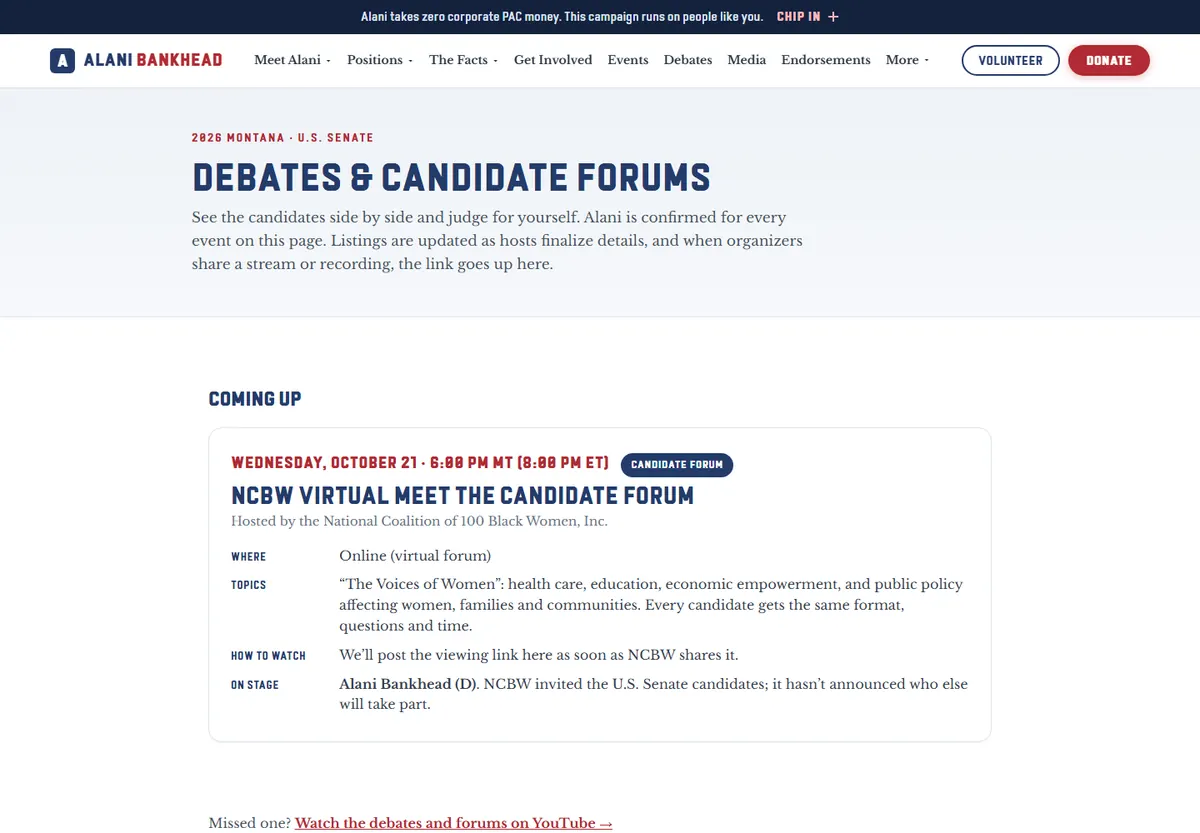
Public site
The full campaign site
WordPress out, a fast custom build in, live in under two weeks. Then new pages, new tools and same-day changes every day until the election, by one person.
Read the case studyWork
Public websites, the private tools a team runs on, and apps people open every day. Internal tools are shown with sample data, never real records.
Websites
A 2026 U.S. Senate campaign in Montana: the site and every page type below, designed, built and run by me through Election Day.
WordPress out, a fast custom build in, live in under two weeks. Then new pages, new tools and same-day changes every day until the election, by one person.
Read the case study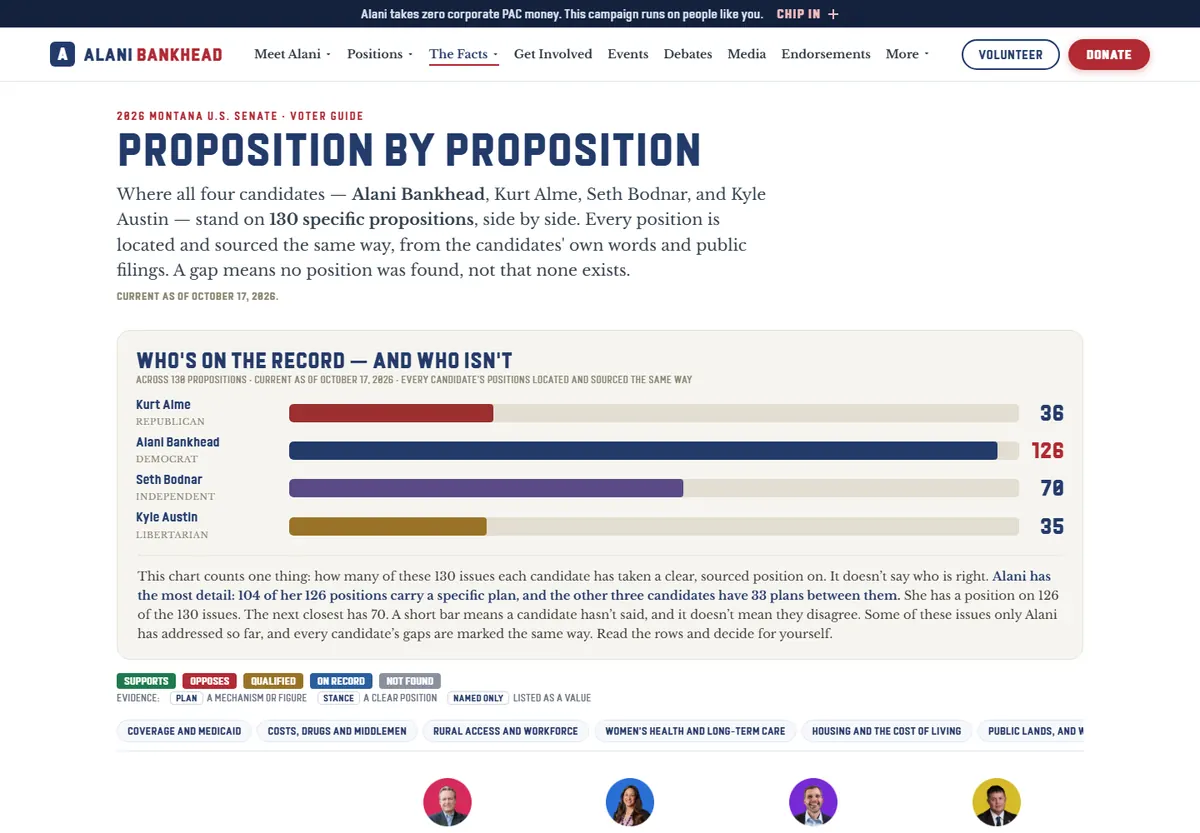
Four candidates side by side on 143 propositions. One dataset builds the web page, the scorecard and a double-sided printed handout, so they always match.
143 rows · 1 source of truth
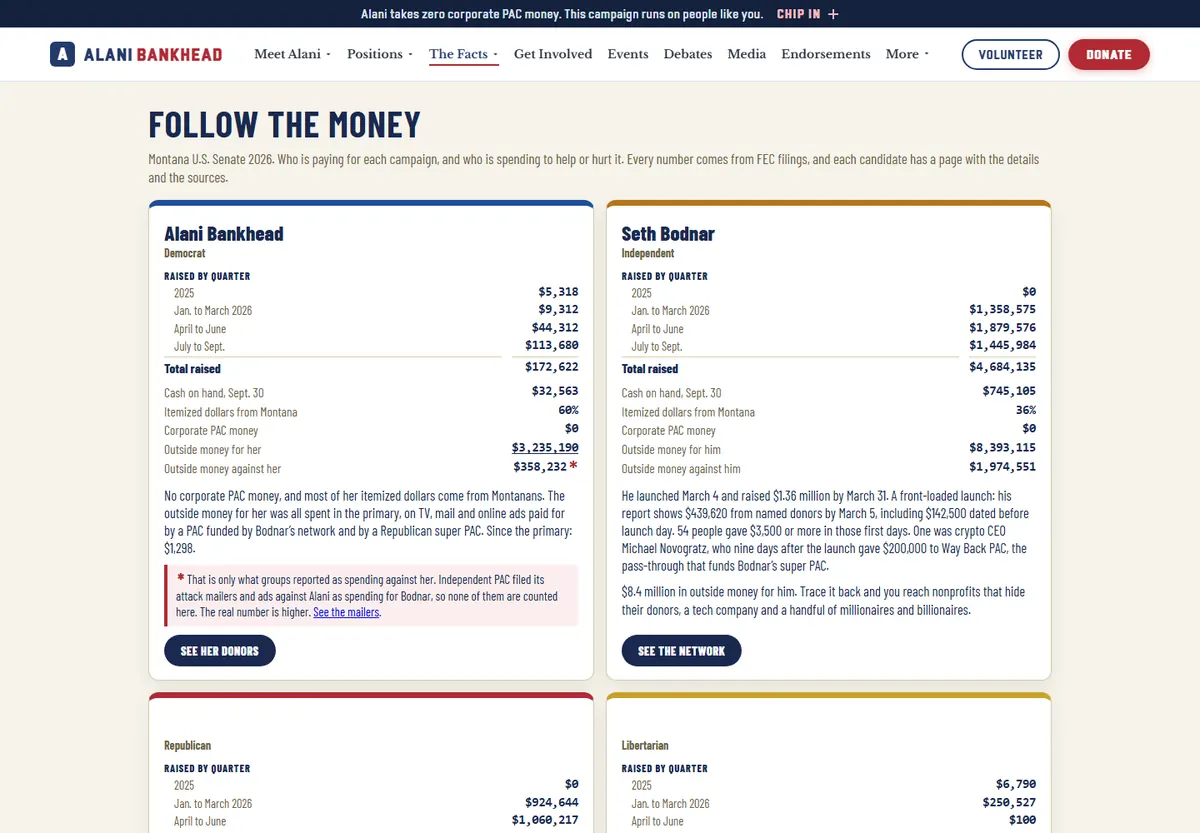
A script turns raw federal filings into readable pages, money-network diagrams and sourced tables. A refresh after new filings takes hours, not days.
Public records → readable pages
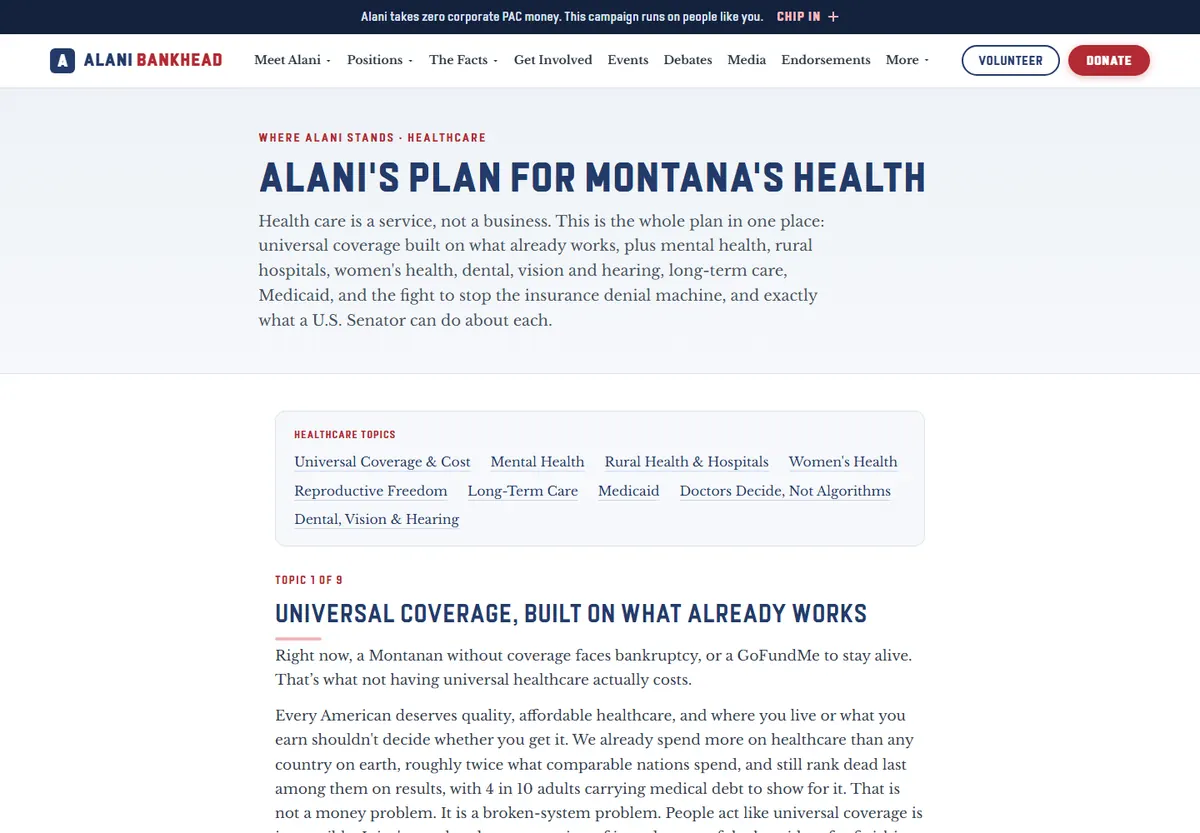
52 searchable, filterable positions, and full pages for the 12 most complex. Search finds words inside every plan, and a data export lets reporters and voter-guide sites quote her accurately.
236 sourced stats
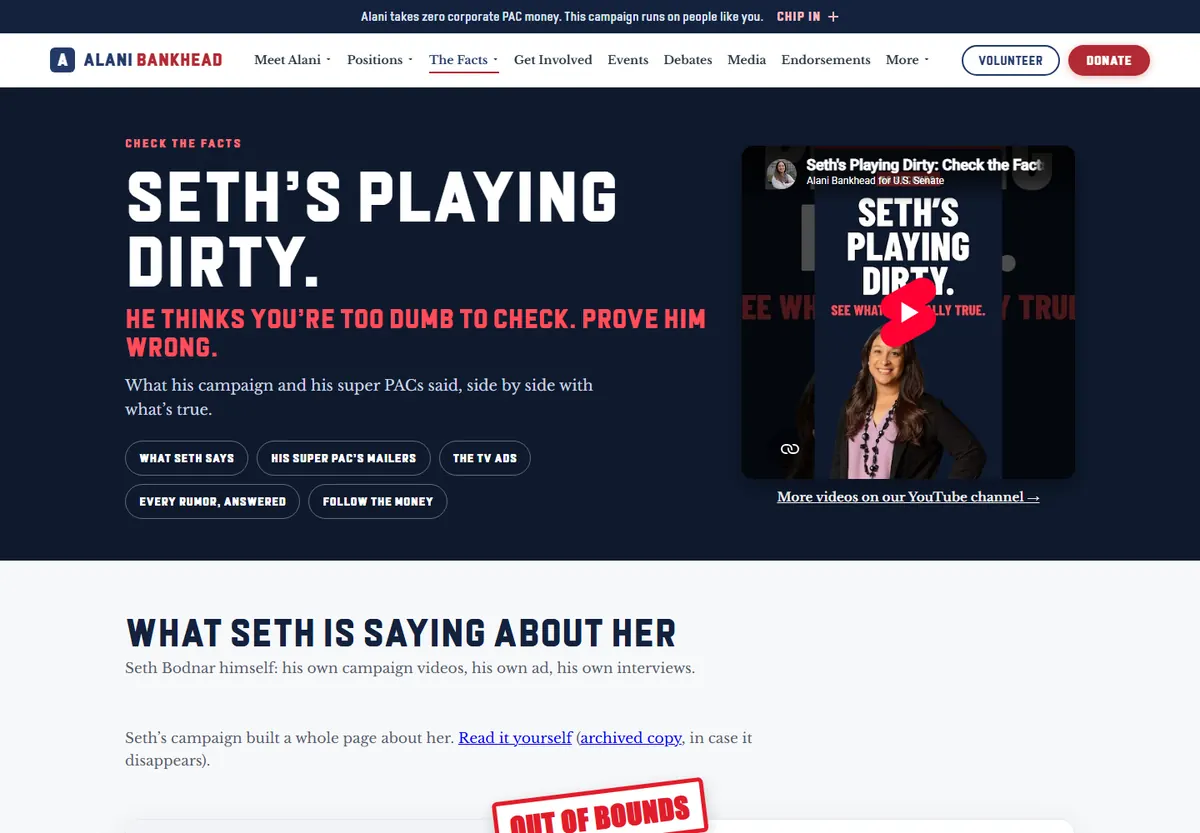
Every claim made against the candidate, answered as claim → verdict → the record, with numbered sources. Volunteers open them at the door.
60 claims · every answer sourced
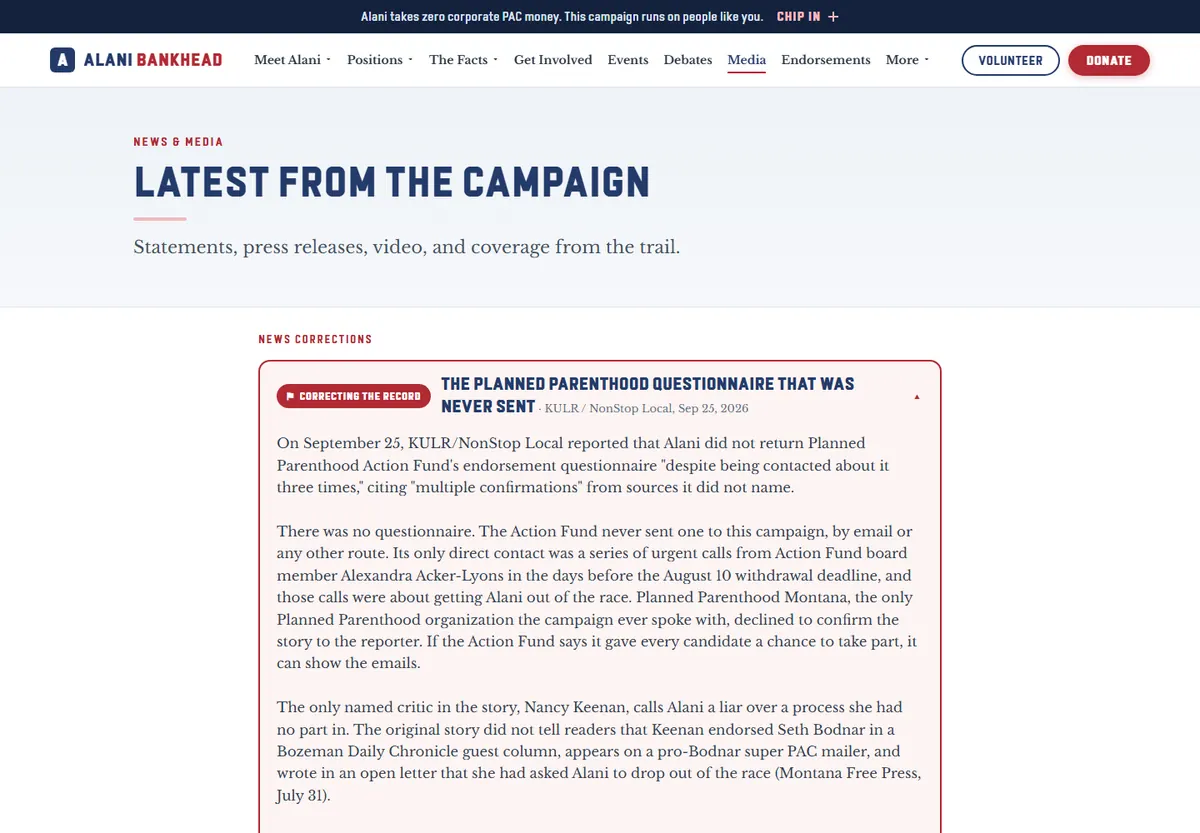
News, events and a live map update themselves from the team's Google Sheet. Staff publish by ticking a box.
A free CMS the team already knows
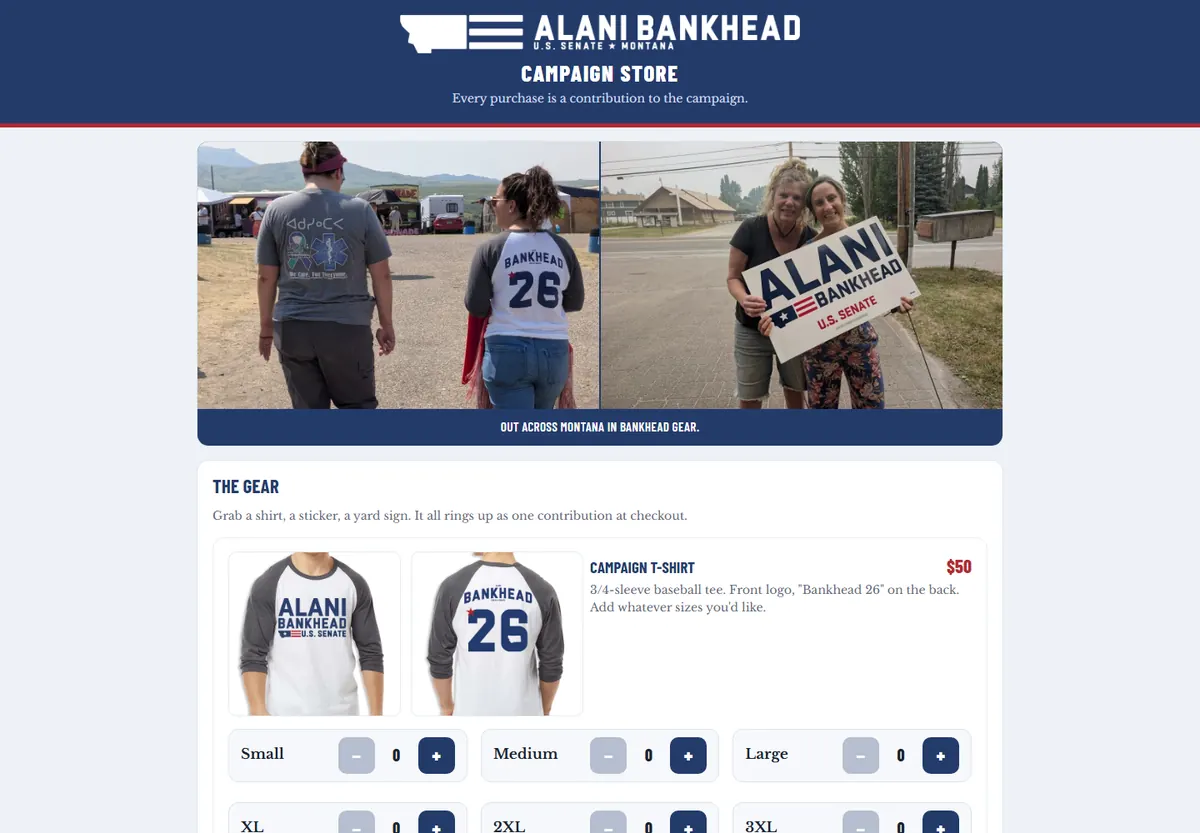
A Stripe store that treats every sale as a contribution, with the records the law requires and receipts that go out on their own.
No Shopify fees
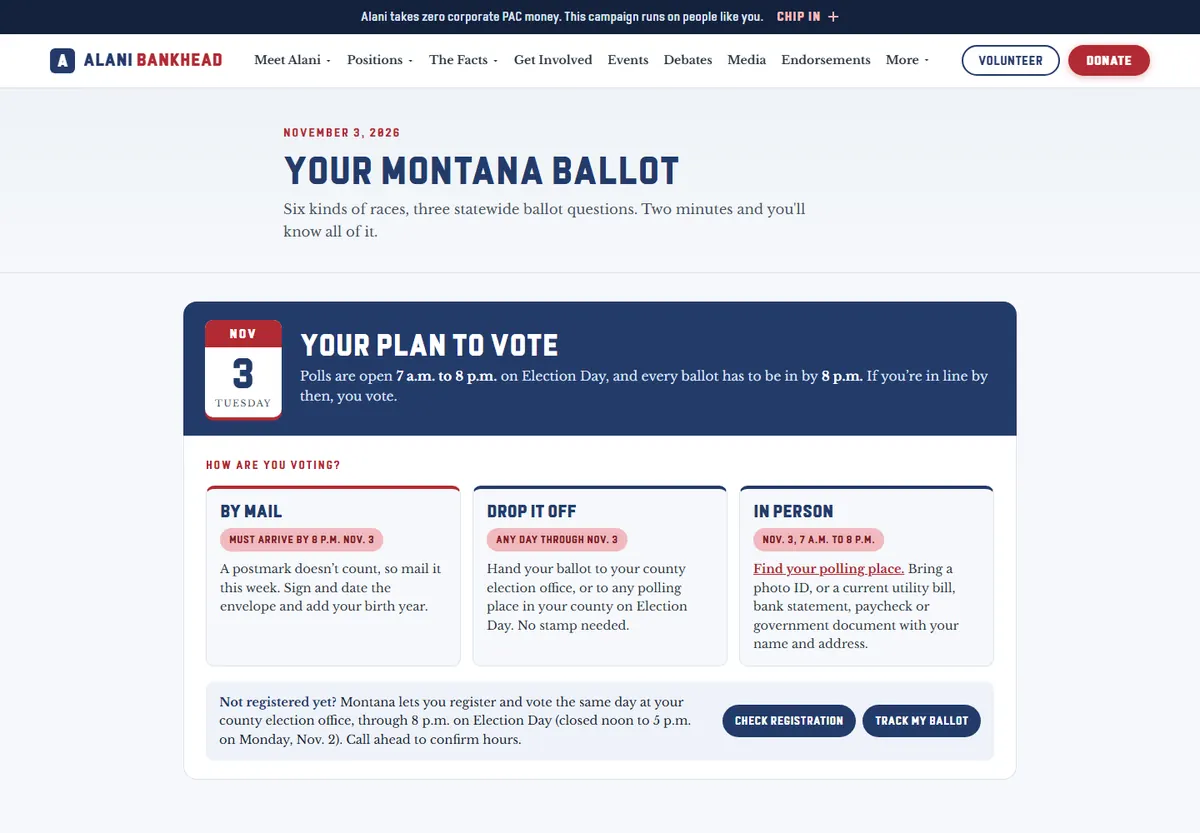
Every race and measure on the ballot in plain language, with a vote plan people can fill in and keep.
Built for the last two weeks
Ads, story frames, link cards and print pieces rendered at exact sizes from the same files as the site, so the brand stays consistent everywhere.
Social · print · link cards
Internal tools
Built for a campaign team and reusable for any organization. They're private, so there are no links. The pictures use made-up sample data, and the one real screenshot is cropped so no private details show.
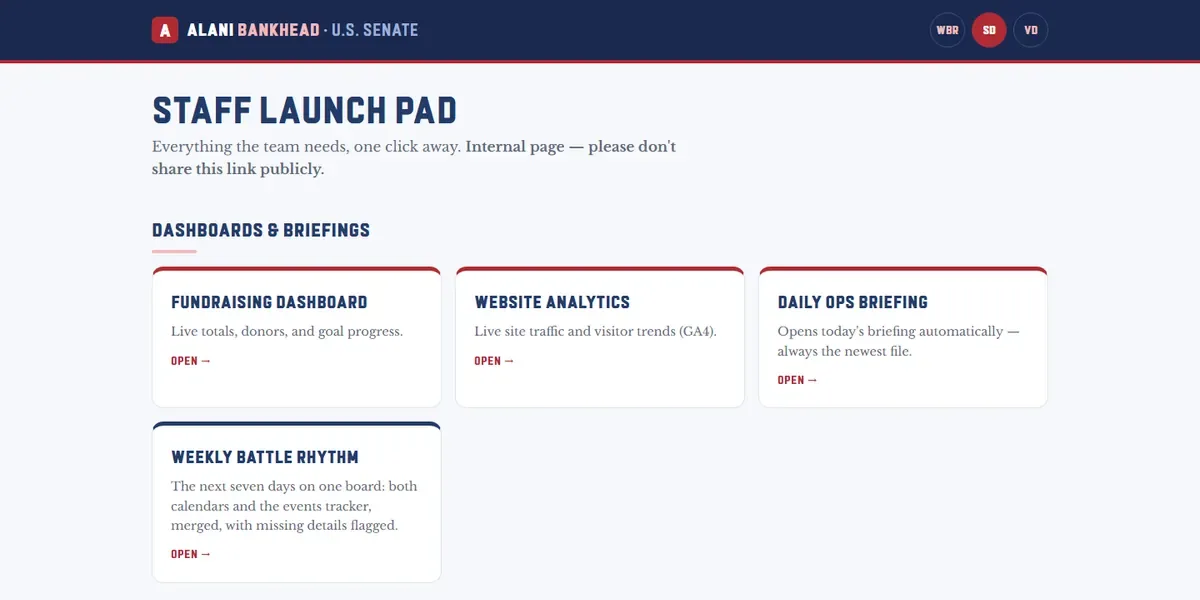
One unlisted start page for staff and one for volunteers. Staff get the dashboards, the daily briefing, every calendar, the trackers and the team guides. Volunteers get onboarding, phone-bank and canvass steps, supplies and the merch register.
Both are hidden from search engines, and their addresses aren't listed anywhere public.
Every tool one click away
Every morning it pulls the donation platform's daily report and the payment API, folds in checks and cash, and rebuilds every chart. Nobody exports anything. It also flags donors missing the details federal reports need.
4 sources · refreshes itself daily
Volunteer, press, event and endorsement forms all route into the right tab of one tracker. Volunteers get a signed agreement as a PDF automatically, and people answering mail never see donor records.
11 automated form workflows
A phone register volunteers join with a code at events. Required fields can't be skipped, sales land in a restricted finance sheet, and a weekly count keeps the online store and the table honest.
No hardware · no card readers to rent
Staff log an event once. It lands on the right shared calendars, shows up on a seven-day board that merges every calendar, and gets flagged if it's missing details. Renames and duplicates fix themselves.
One entry · three calendars · one board
A paged study guide with a shuffled practice deck: answer out loud, reveal the key points, tap the ones you hit. Filter by topic, and print every answer for the plane ride.
29 pages · 28-card practice deck
A map of every county committee, rebuilt by a script straight from the roster sheet. It replaced a hand-edited map that had quietly gone wrong in six places.
Sheet in · map out · no hand edits
Bank downloads merge in without double-counting, categories fill themselves, and the books reconcile to the bank. A forecast tab turns "how much will we have?" into "which of these two things can we afford?"
Weekly update in about 2 minutes
A nightly job checks every team mailbox's spam folder and puts real mail back in the inbox. A second one sweeps bot submissions out of the website's form sheets. Neither ever deletes anything.
49 real emails rescued on night one
Everything the team dropped into a shared phone folder became searchable: screenshots read, voice memos and videos transcribed, PDFs pulled into text, each with a status so nothing got handled twice.
2,390 items cataloged
Short how-tos so staff could add an event, update the homepage stories, post the news feed or find the right email address without asking. The goal is a team that doesn't depend on one person.
Written for non-technical staff
Apps
Offline-first apps that live on a phone's home screen. Shown with sample data.
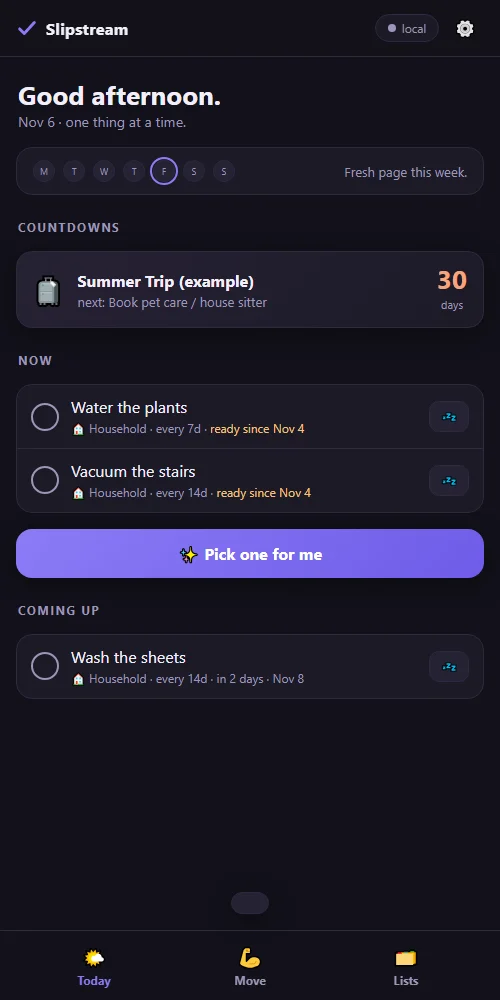
A phone checklist app designed for ADHD brains. Nothing ever reads "overdue," repeating chores schedule from when you last did them, and "Pick one for me" chooses a single next step. It works offline, and one codebase runs both a personal version and a shared team version that synced a campaign staff.
1,564 team updates in four months
Weekly check-ins, monthly measurements, charts and a training tab, all on the phone and private to the device. Export and import keep a backup.
One file · no accounts
A tabbed hub for a multi-weekend home camera build: the plan, a phase-by-phase checklist with progress bars, a shopping list with totals, and the reference settings in one place.
Big project · small steps
A multi-day travel planner with schedule, board and people views, an edit drawer and per-person filters. It syncs a small team through a private repository, with no new accounts to make.
Built in a day for a week on the road